.webp)
.webp)


.webp)

.webp)
.webp)
.webp)




.webp)
%20(3).webp)
.webp)
#1 Dock alternative
Flowla vs Dock
Dock trains your team. Flowla runs your deals.
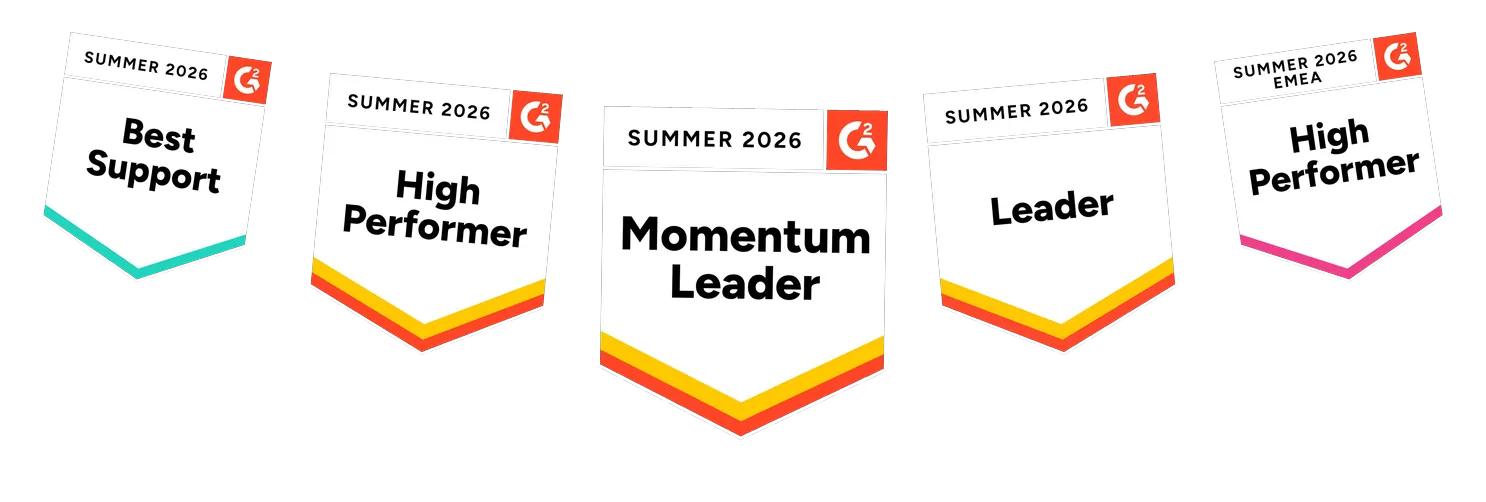
Trusted by revenue teams closing and onboarding at scale







Key takeaways
Choose Flowla if you
- ✓Rep adoption has historically been a problem
- ✓Want rooms that create themselves from CRM triggers with no rep action needed
- ✓Need the full sales through CS through renewal lifecycle in one platform
- ✓Want AI that acts on deal signals, not just reports them
- ✓Need native e-signature and forms without paying enterprise pricing
Consider Dock if you
- •Need a formal internal sales enablement layer alongside your deal rooms: LMS, courses, playbooks, and slides governance
- •Are running a pure sales motion with disciplined reps who will build a workspace on every deal without prompting
- •Have budget for an Enterprise plan to unlock CRM-triggered, conditional-logic automation
- •Need an extensive content governance system with version control across a large marketing library

faster time to implement


rep adoption


increase in forecast accuracy

.webp)
more closed won

Three principles behind Flowla's digital sales rooms
Rooms build and run themselves
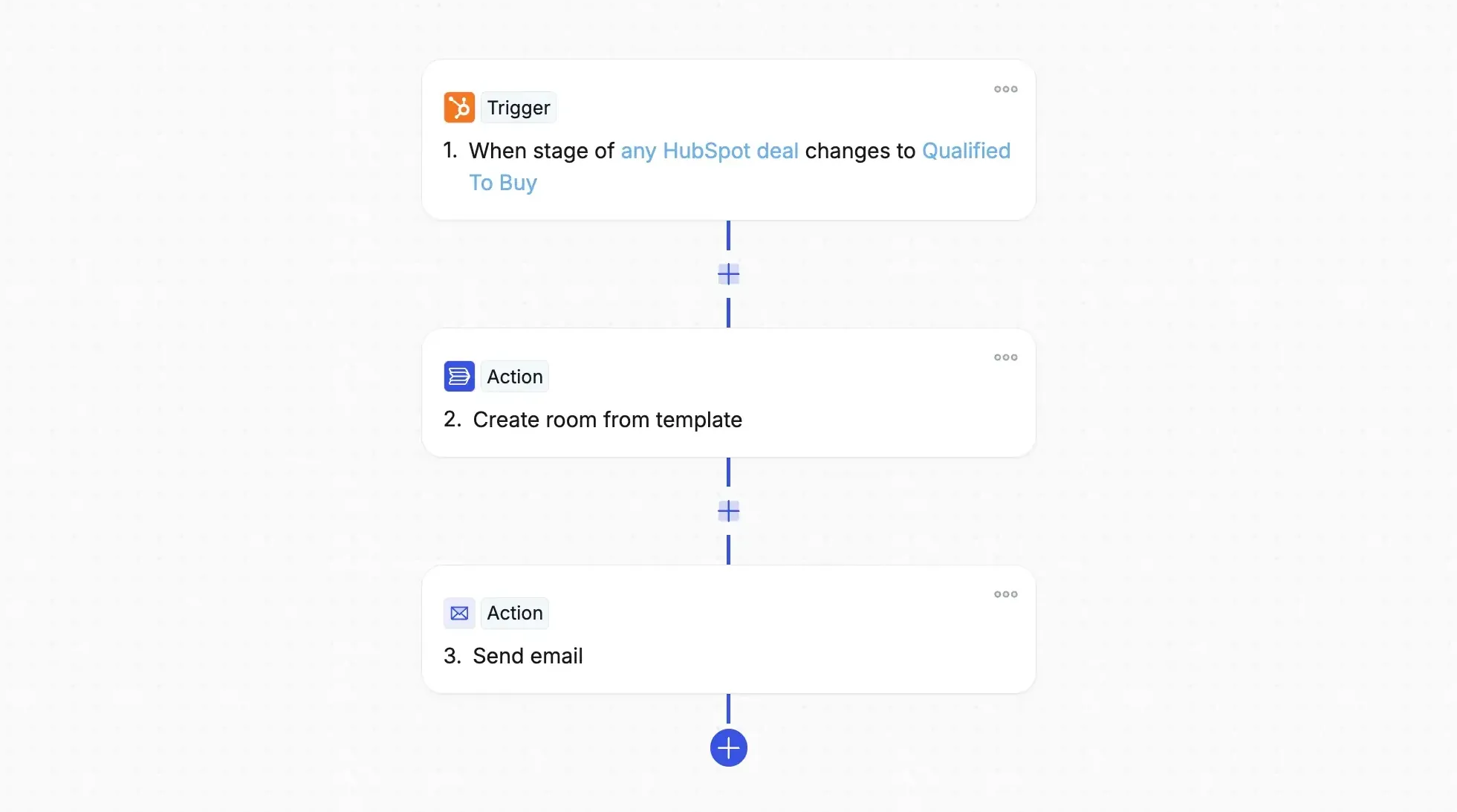
Most DSR tools are only as good as the rep who builds them. Flowla is built on the opposite idea: the room should run itself.
- Autopilot builds rooms straight from CRM activity, no rep needed
- REX drafts follow-ups and queues next steps on its own
The rep shows up to a room that’s already there.
One intelligence layer across the whole deal

Knowing who opened a room isn’t insight. REX reads your entire deal context and acts on what it finds:
- Room activity: who visited, what got completed, where they stalled
- CRM data: stage, contacts, and updates, synced live
- Calls and email: transcripts, outreach, and reply signals
REX turns all of it into the next right move, and takes it.
A guided journey, not a microsite

Most DSR tools hand buyers a workspace and let them find their own way. Flowla walks them through it instead:
- Step-by-step: always clear what’s next
- No endless scrolling: every page has one job
- Consistent every time: same structured experience, whichever rep owns the room.
What customers tell us after seeing both
The same themes come up every time customers are evaluating Dock and Flowla side by side.
Workspaces built manually
"It's definitely slowing down our implementation process. I feel like our implementation team is spending a lot more time spinning up the workspaces."
Prospect evaluation feedback
Call transcripts weren't AI-ready
"I know that with Dock, that wasn't an option in terms of transcripts, AI transcripts. Having that all prepared and ready is definitely a high value item in my opinion."
Prospect evaluation feedback
Flowla and Dock, in detail
Flowla

The Flowla room: a guided, step-by-step journey. The buyer always knows where they are and what comes next.
Dock
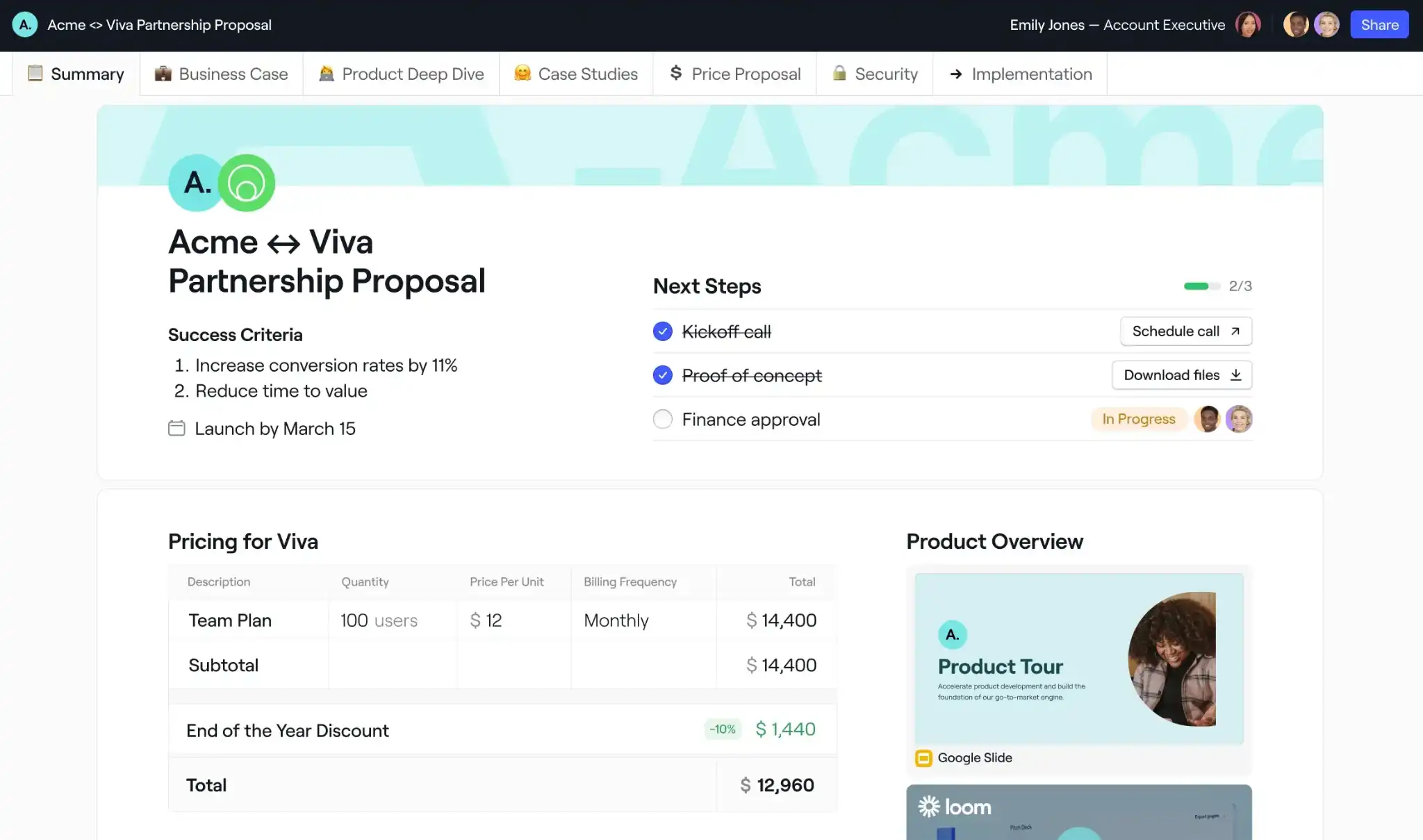
The Dock workspace: a tabbed client workspace. Buyers browse content and next steps across tabs rather than follow a set path.
What each does well
Flowla
- Autopilot creates rooms automatically from CRM triggers before a rep does anything
- Same room continues from sale through onboarding and renewal, no second tool to set up and adopt
- Step-by-step buyer journey, clear navigation for every stakeholder
- Native e-signature, forms, and MAPs built in on all paid plans
- Full REX AI suite and CRM sync included from the free Starter plan
Dock
- Full LMS, courses with quizzes and flashcards, embeddable in client workspaces for customer training
- Playbooks and an AI Enablement Agent for internal rep enablement
Where each is weaker
Flowla
- No in-room buyer chatbot (AI operates on the seller side)
- No standalone LMS or courses on entry plans, formal rep training and content governance are part of the Enterprise plan
Dock
- No automated room creation on Standard or Premium, CRM-triggered automation with conditional logic is Enterprise-only
- AI Suggestions recommend updates but do not execute them, every action still requires a rep
- No unified intelligence layer combining call transcripts, email, and room engagement data
Pricing
Flowla
$0
Starter: full experience limited to 20 rooms$99
Team: unlimited rooms, full REX AI suite, CRM sync, Deal Intelligence, stakeholder mapping, e-signature, MCP, priority supportCustom
Enterprise: SSO, custom playbooks, LMSDock
$0
Free: up to 50 workspaces, basic integrations$350
Standard: 5 users, unlimited workspaces, basic CRM, no automation$1,000
Premium: 10 users, adds Slides, Playbooks, order forms, advanced CRMCustom
Enterprise: Courses/LMS, API, SSO, automation, custom domainFeature comparison of Flowla vs. Dock
Questions teams ask during evaluations
Is Flowla better than Dock for onboarding?

Both platforms are built around workspace continuity. Dock markets the same workspace carrying from sales through onboarding to renewal, and Flowla works the same way. What differs is what runs on top of that continuity. On Flowla, the same automation and AI actions apply at every stage: Autopilot and REX work the same way in a CS motion as they do pre-signature. On Dock, CRM-triggered automation is Enterprise-only regardless of what stage the deal is in, so the workspace may carry over, but the hands-off part of the experience often doesn't unless you're on their top plan.
How is Flowla different from Dock?
The core difference is automation versus enablement breadth. Dock is a broader platform, it combines deal rooms with an LMS, courses, playbooks, and content governance tools for internal teams. Workspace creation is manual on Standard and Premium. Custom, CRM-triggered automation with conditional logic requires Enterprise. Flowla trades the internal enablement layer for a deeper focus on deal execution: rooms that create themselves from CRM triggers, AI that acts on deal signals rather than just reporting them, and a room lifecycle that carries through the entire customer journey without re-platforming.
Dock has a lower per-seat entry price, is it actually cheaper?
At the feature-equivalent level, Flowla is typically more cost-effective. Dock's Standard plan ($350/mo for 5 users) includes basic CRM but no automation, no content management, and no order forms. Meaningful automation requires Enterprise, which carries a significantly higher price point. Flowla's Team plan ($99/mo/seat) includes CRM integration, e-signature, forms, and the full REX AI suite, making it substantially cheaper at the feature-equivalent comparison, particularly for teams that don't need the full enablement suite.
Who is Flowla built for?
Flowla is built for revenue teams, sales, customer success, and RevOps running complex, human-led B2B processes. It's the strongest fit when you deal with multiple stakeholders across a long deal cycle, rep adoption of manual tools has historically been a problem, or you want sales and CS on the same platform rather than re-platforming after the deal closes. Teams that see the most impact are typically those using Flowla across both sales and CS, one buyer journey, one data trail, one source of truth.
Does Flowla integrate with Salesforce and HubSpot?
Yes, native Salesforce, HubSpot, and Attio integrations are included from the free Starter plan. Flowla also connects with Slack, Gong, Fireflies, Gmail, and Outlook. See the full list at flowla.com/integrations
Is Flowla secure?
Yes. Flowla is SOC 2 Type II certified, GDPR and CCPA compliant. Full details at flowla.com/security
The era of self-driving deals starts with Flowla.
Bring one live deal. We'll show you the system running underneath it, scores, signals, and the next move, made for you.
.webp)
.webp)
.webp)
.webp)
.svg)

.webp)
.webp)